Podcast: Play in new window | Download | Embed
Subscribe to TECHEDTV RSS | More
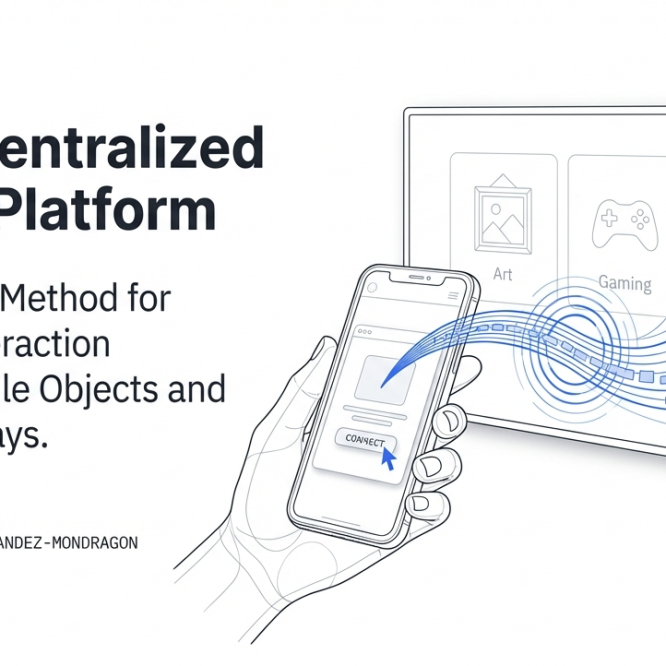
Dr. Edwin Hernandez has developed a new technology, under Mevia OS, that can be described as a “Universal Web Control: Revolutionizing Distributed Display Environments.” This blog post draws directly from the provided sources regarding the patent-pending technology for seamless mobile-to-display interaction. Including use of gestures, machine learning, computer vision to interact with displays. The main goal is “Zero Friction,” no applications installed, simply scan a TV or a QR Code associated with the TV and start interacting with it.
Universal Web Control: The Future of Distributed Display Interaction
In today’s digital landscape, the traditional remote control is becoming a relic of the past. Our latest slide deck explores Universal Web Control, a breakthrough system that transforms any mobile device into a powerful controller for smart TVs and remote displays.
By leveraging decentralized or distributed operating systems, this technology allows messaging, streaming, and computation to occur in the cloud or across a local network.
Beyond the Remote: How it Works
The core of this innovation is the Device Connect Platform, which serves as a “glue” between web applications and mobile controllers.
HOW IT WORKS?
Security and Smart Authentication
One of the most innovative aspects of the system is how it handles user security without the friction of traditional logins.
Security & Authentication
Versatile Use Cases
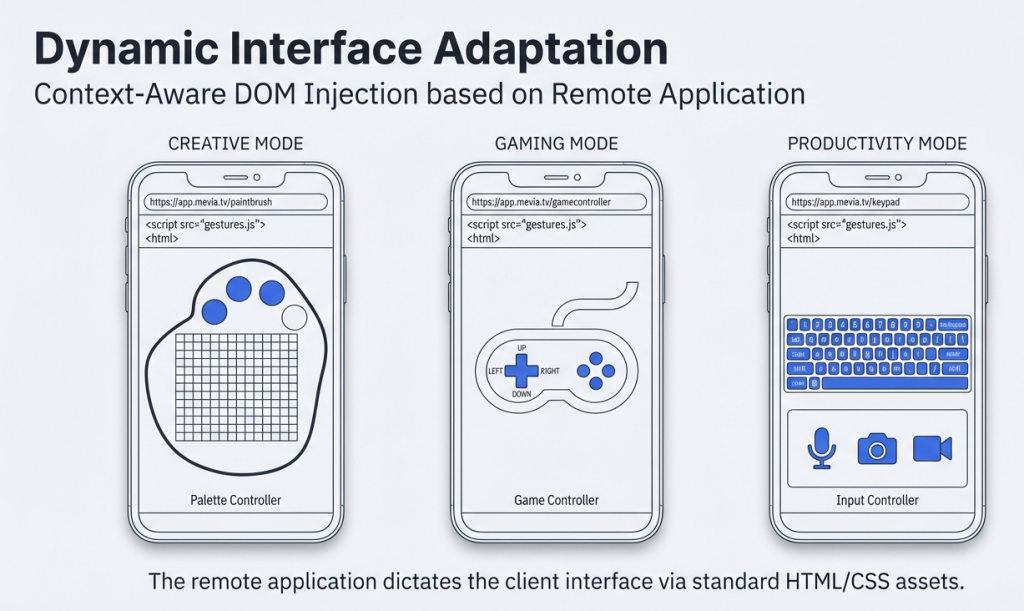
Universal Web Control isn’t just for changing channels. As detailed in the sources, the platform supports a wide range of applications:
Use Cases
- Art and NFT Labs: Interact with and display digital art
- Gaming: Turn your phone into a low-latency gamepad.
- Smart Home/IoT: Manage doorbell cameras or security systems from your mobile device.
- Professional Tools: Engage in video conferencing with camera and microphone control directly from the palm of your hand.
The attached slide deck provides a deep dive into the architecture, the Tunnel Mapping logic, and the neural network training processes that make this “Universal Web Control” possible.